
 Multilingual · WPML & Polylang
Siteryn
Multi-Step & One-Click Checkout
for WooCommerce
Design your WooCommerce Cart, Checkout and Thank You pages with a visual builder, split checkout into clear steps and add a one-click Buy Now button so more shoppers finish their order.
- Visual Checkout Builder / Multi-Step Checkout / One-Click Buy Now
- Secure Checkout Encrypted & protected
- License-Protected Downloads Only for licensed users
-
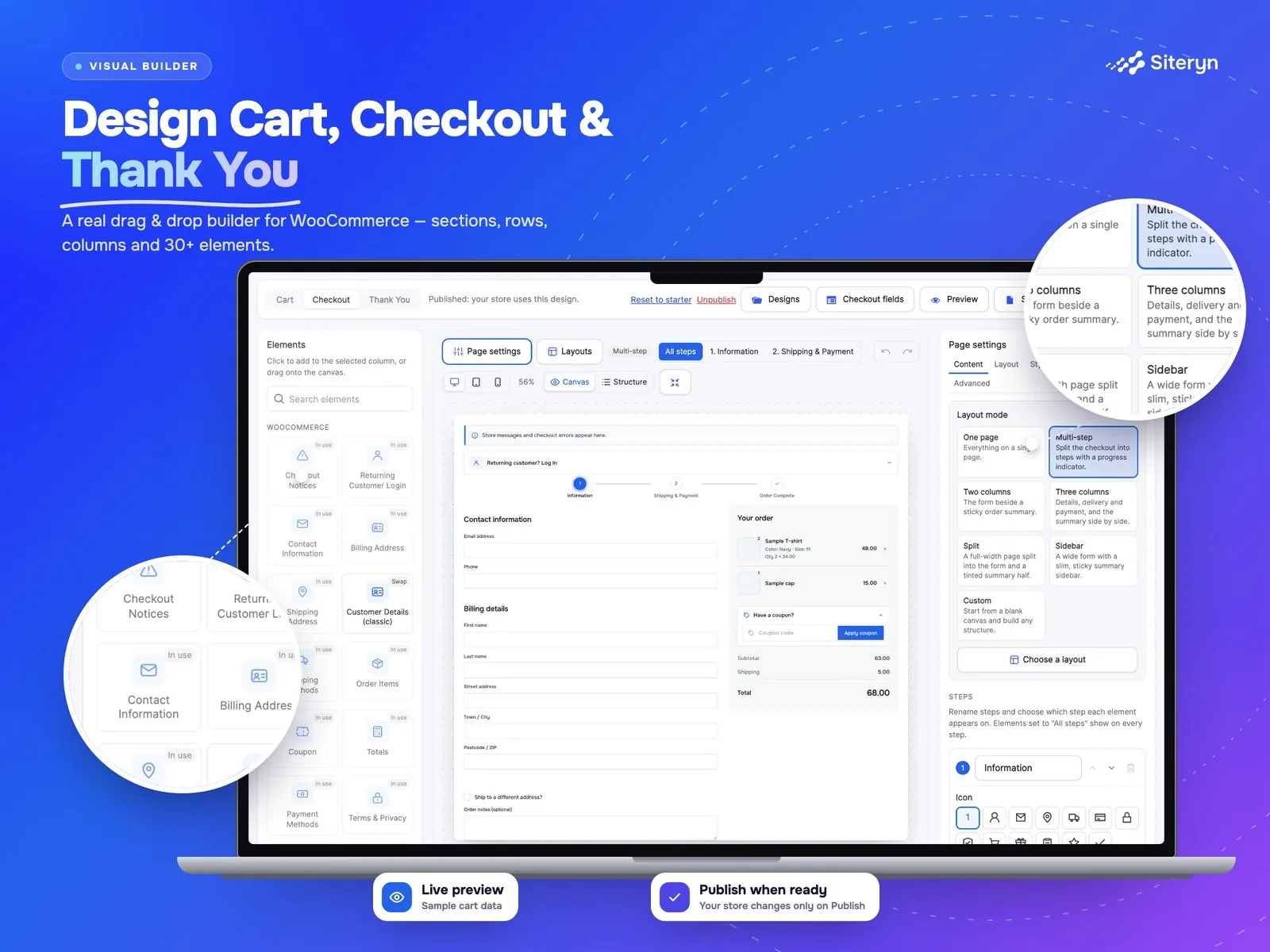
 Visual Builder
Drag, drop & style
-
 Multi-Step Checkout
Progress bar & steps
-
 Ready-Made Layouts
One page or steps
-
 One-Click Buy Now
Product to checkout
-
 Any Payment Gateway
WooCommerce native
-
 Translation Ready
WPML & Polylang
Build a faster, cleaner WooCommerce checkout
Design the Cart, Checkout and Thank You pages with a live, theme-styled builder: click to select, drag to move, and preview on desktop, tablet and mobile before anything goes live. Split checkout into clear steps with a progress bar, add a one-click Buy Now button to product pages, and keep every WooCommerce payment gateway, coupon and shipping rule working. Pro adds up to 10 custom steps, display conditions, a field manager, order bumps and premium one-click checkout.
 3 pages
Cart, Checkout & Thank You
 Up to 10
Checkout steps with Pro
 1 click
Buy Now to checkout
Designed to Convert
Get More Out of Siteryn Multi-Step & One-Click Checkout for WooCommerce
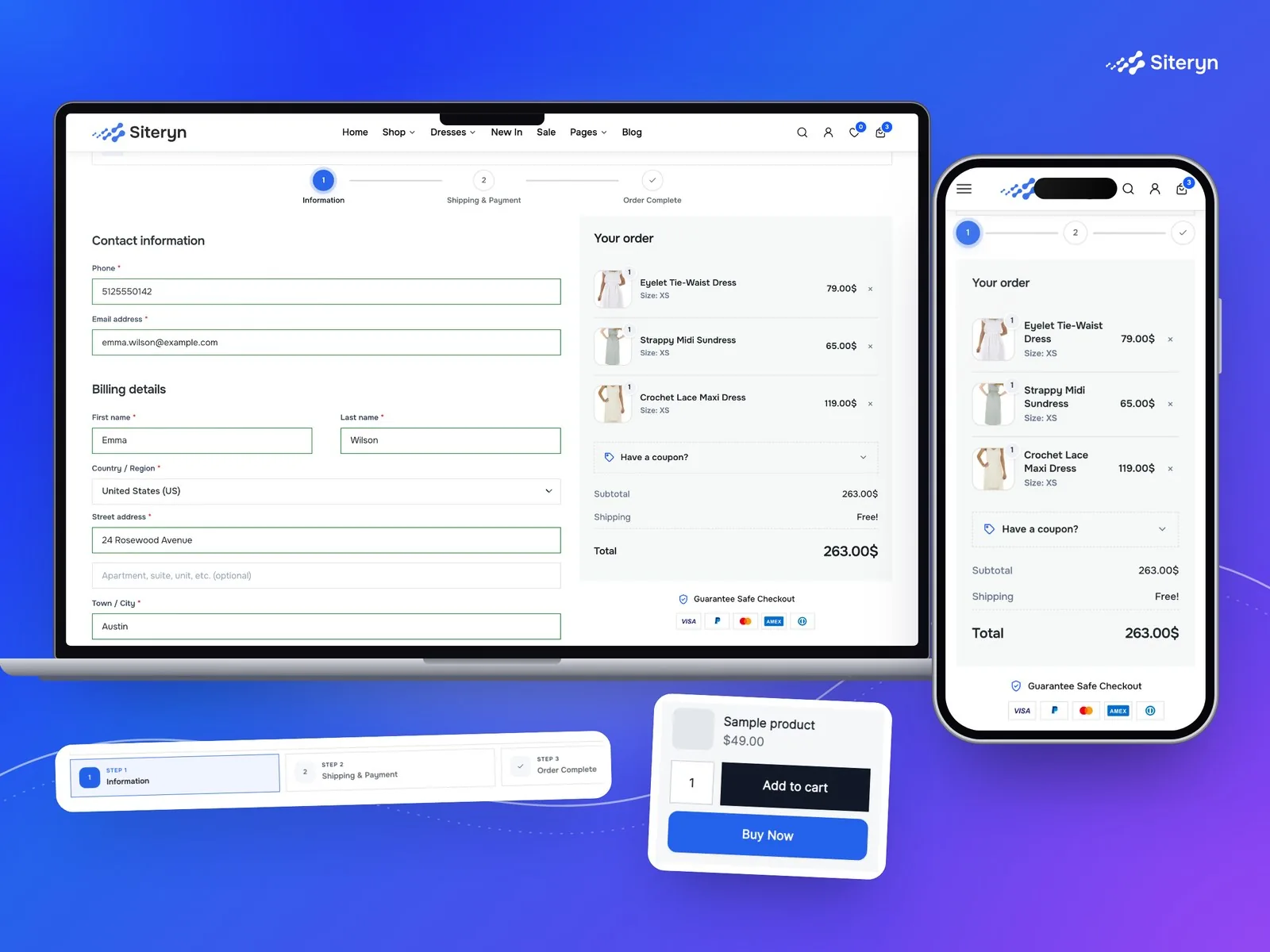
A long, cluttered checkout is one of the biggest reasons shoppers leave. Siteryn Multi-Step & One-Click Checkout gives you a visual builder for the WooCommerce Cart, Checkout and Thank You pages, so you can decide exactly what shoppers see, in what order, on every device.
Drag in WooCommerce elements, pick a ready-made one page or multi-step layout, preview it with sample data and publish when you are ready. WooCommerce stays in charge of the cart, totals, shipping, taxes, coupons and payment, so every gateway and extension keeps working.
Key benefits include:
- Visual builder for Cart, Checkout and Thank You pages
- Multi-step checkout with a progress bar
- Ready-made one page and multi-step layouts
- Drafts, live preview and safe publishing
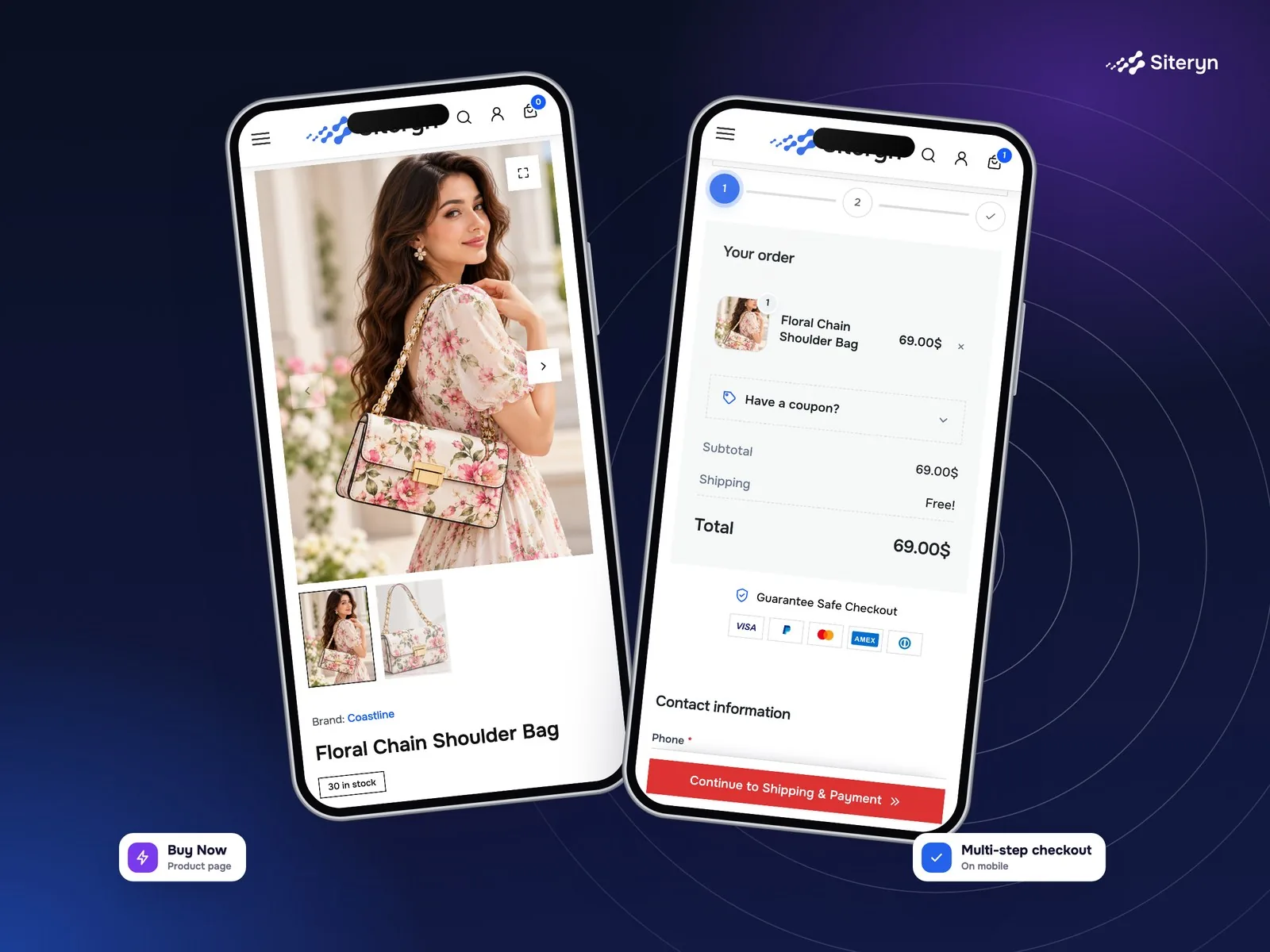
- One-click Buy Now button on product pages
- Works with block and shortcode checkout and HPOS
- No code needed, with WooCommerce's own checkout underneath
Powerful Features
Everything Siteryn Multi-Step & One-Click Checkout for WooCommerce brings to your store.
-
 Visual Checkout Builder
Add, drag, reorder and style WooCommerce elements on the Cart, Checkout and Thank You pages.
-
 Multi-Step Checkout
Split checkout into clear steps with a progress bar and your own Back and Continue buttons.
-
 Ready-Made Layouts
Start from one page, two column, single column, multi-step or blank layouts, all editable.
-
 One-Click Buy Now Button
A Buy Now button on product pages adds the product and opens checkout in one click.

-
 Up to 10 Custom Steps (Pro)
Add, rename and reorder steps with icons, descriptions and per-step validation.
-
 Advanced Field Manager (Pro)
Rename, reorder and require fields, and add nine types of custom fields.
-
 Order Bumps & Upsells (Pro)
Order bump, recommendations, free-shipping progress, guarantee and trust elements.
-
 Premium One-Click & Reorder (Pro)
Styled Buy Now buttons, shop-page buttons, checkout links and one-click reorder.
Choose Your Plan
Simple Pricing. More Possibilities.
Start with the free version or unlock powerful features with Pro.
| Compare features What each version includes | Free Perfect for getting started Download Free | Most Popular Pro Unlock more power Get Pro Now |
|---|---|---|
| Visual builder for Cart, Checkout & Thank You | Included | Included |
| Two-step checkout with progress bar | Included | Included |
| Ready-made one page & multi-step layouts | Included | Included |
| Basic styling & hide per device | Included | Included |
| Drafts, live preview & safe publishing | Included | Included |
| One-click Buy Now button on product pages | Included | Included |
| Block & shortcode checkout, HPOS ready | Included | Included |
| Up to 10 custom steps & 15 progress styles | Not included | Included |
| More columns, sections & Pro layouts | Not included | Included |
| Advanced field manager & custom fields | Not included | Included |
| Display conditions on any element | Not included | Included |
| Order bump & product recommendations | Not included | Included |
| Advanced styling & custom CSS | Not included | Included |
| Saved designs, revisions & import/export | Not included | Included |
| Buy Now styles, shop buttons & checkout links | Not included | Included |
| One-click reorder from past orders | Not included | Included |
Get Siteryn Multi-Step & One-Click Checkout for WooCommerce Pro
Choose a plan, then continue to secure checkout.
Secure checkout · Yearly license · 14-day refund on first purchases
See Siteryn Multi-Step & One-Click Checkout for WooCommerce in Action
Explore real screenshots from the plugin and see how it looks in action.

Product Details
Technical information and compatibility details at a glance
- Version
- v1.0.0
- Last Updated
- October 26, 2026
- Requires PHP
- 7.4
- Requires WordPress
- 6.4
- Tested up to WordPress
- 7.1
- Requires WooCommerce
- 8.0
- Tested up to WooCommerce
- 11.2
- License
- Lifetime
- Changelog
- View Changelog
- Support
- Priority Support
Need Help?
Our support team is here for you.
- Pre-Sales Questions
- Technical Support
- Customization Help
- Feature Request
We're here to help you get the most out of Siteryn
FAQ
Got Questions?
Find answers to common questions about Siteryn Multi-Step & One-Click Checkout for WooCommerce.
It gives you a visual builder for the WooCommerce Cart, Checkout and Thank You pages, ready-made one page and multi-step layouts, and a one-click Buy Now button, so you can design a faster checkout without code.
No. It designs the content of your existing pages. WooCommerce still handles the cart, totals, shipping, taxes, coupons and payment, so every gateway and express checkout button keeps working.
Yes. The free version includes a two-step checkout with a progress bar and your own Back and Continue buttons. Pro adds up to 10 custom steps, step icons and 15 progress styles.
Yes. Pages built with the Cart and Checkout blocks or the classic shortcodes are both rendered with your builder design, and the plugin is compatible with High-Performance Order Storage.
Turn it on and a Buy Now button appears beside Add to cart. One click adds the product and opens checkout, optionally buying only that product, through WooCommerce's normal checkout and payment. Pro adds button styles, shop-page buttons, checkout links and one-click reorder.
Yes, with Pro. It adds an order bump, product recommendations, free-shipping progress and other conversion elements, plus a field manager with nine custom field types.
Yes. Every design can be previewed and adjusted for desktop, tablet and mobile, and shopper-facing text works with WPML and Polylang.
Your published designs keep working, including Pro elements and display conditions, and nothing you saved is removed. Editing Pro features needs an active license again.
-
Best Selling ProMultilingual
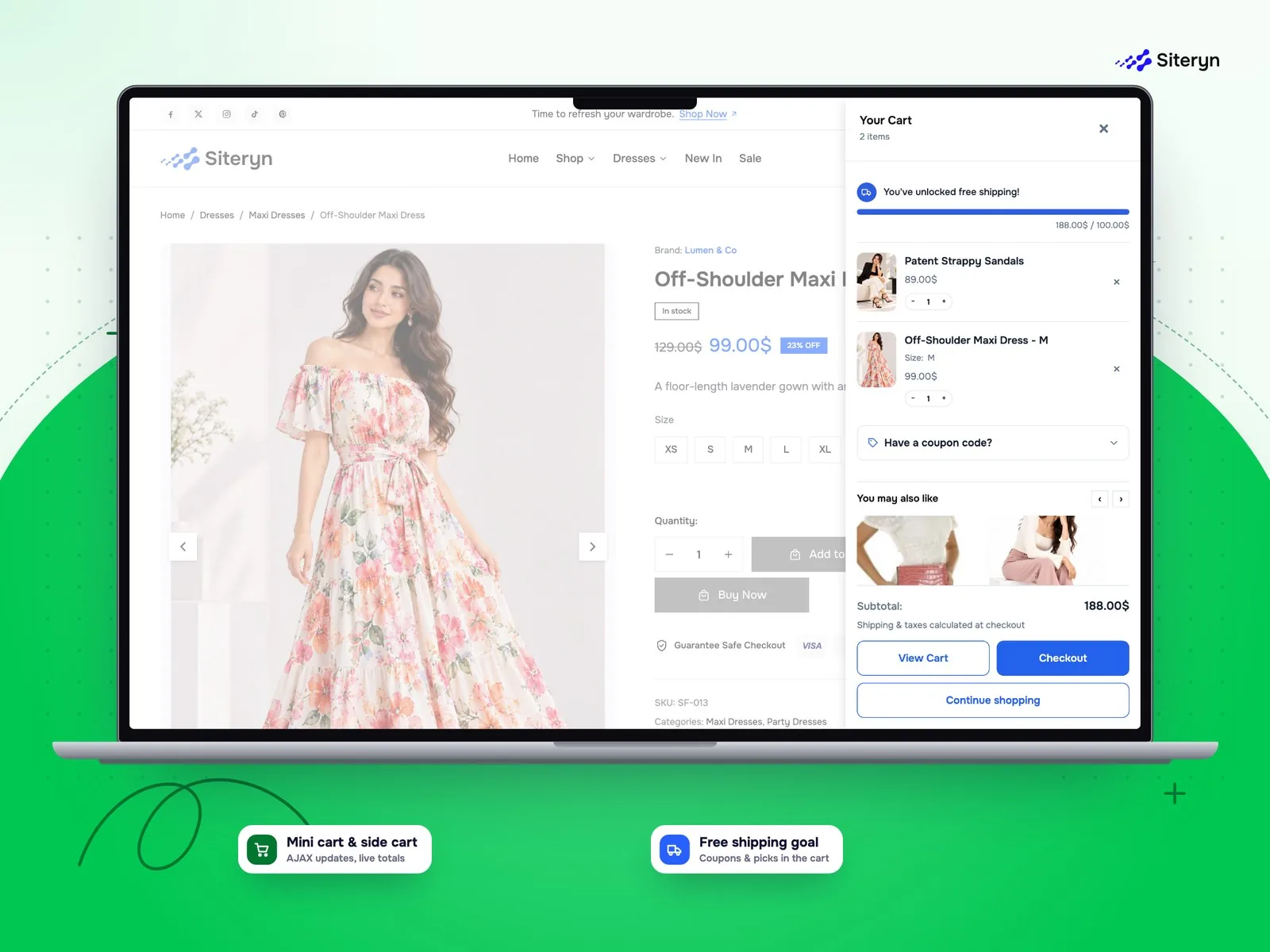
Siteryn Mini Cart & Side Cart for WooCommerce
- Slide-Out Side Cart
- Mini Cart Dropdown
- AJAX Cart Updates
-
New ProMultilingual
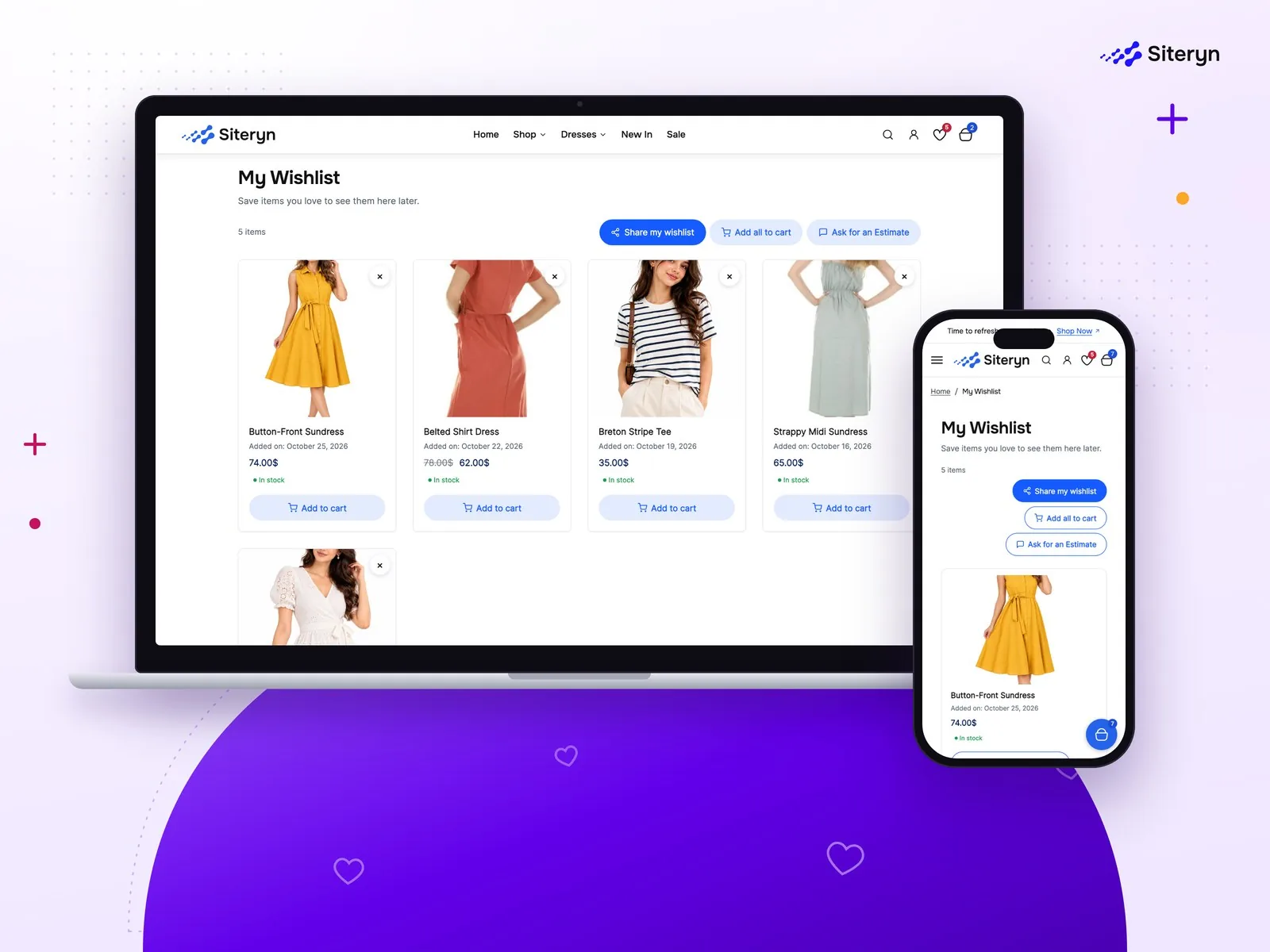
Siteryn Wishlist for WooCommerce
- Add to Wishlist Button
- Dedicated Wishlist Page
- Guest Wishlists
-
New ProMultilingual
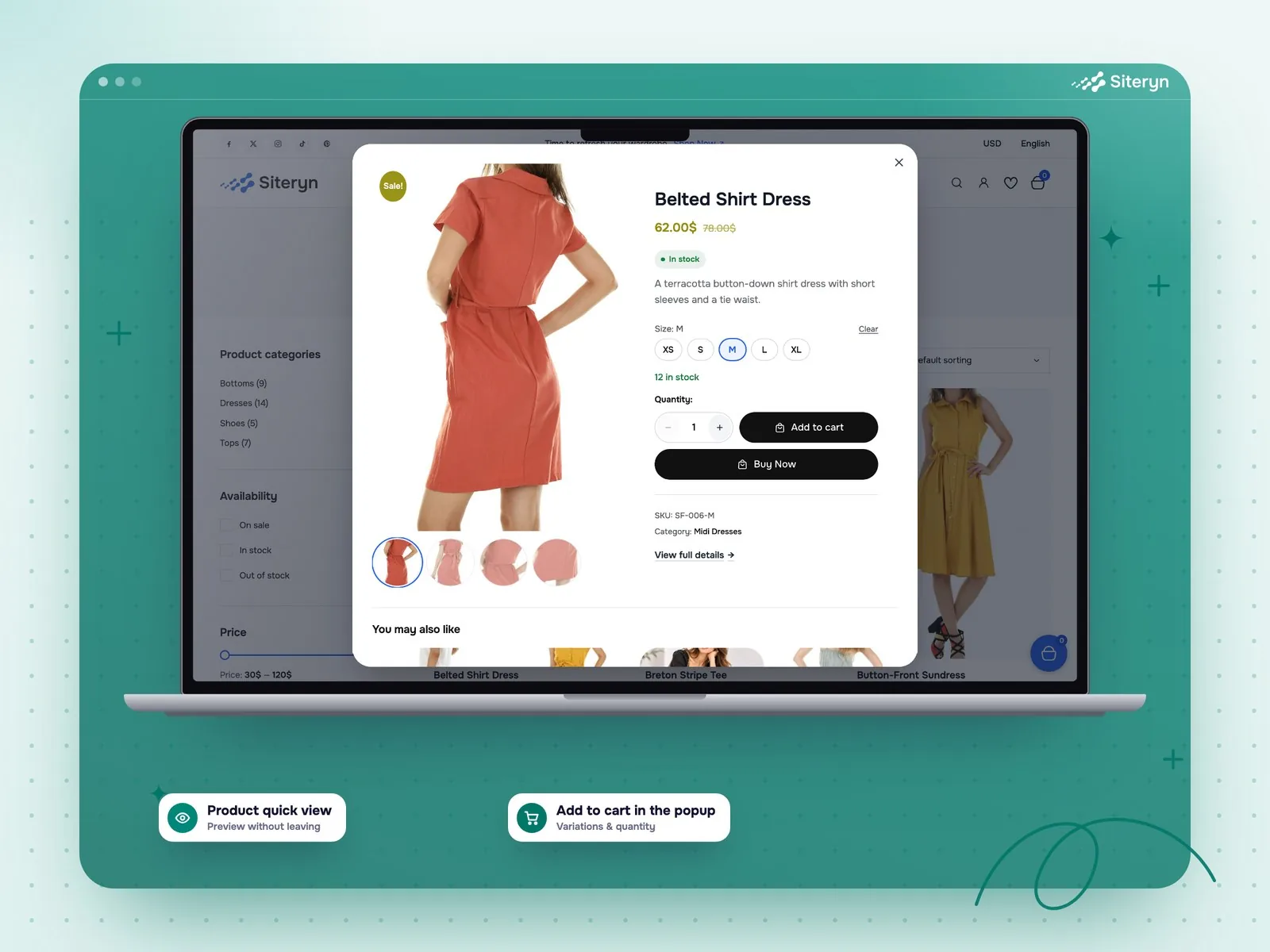
Siteryn Quick View for WooCommerce
- Quick View Button
- Fast AJAX Popup
- Add to Cart in the Popup
-
New ProMultilingual
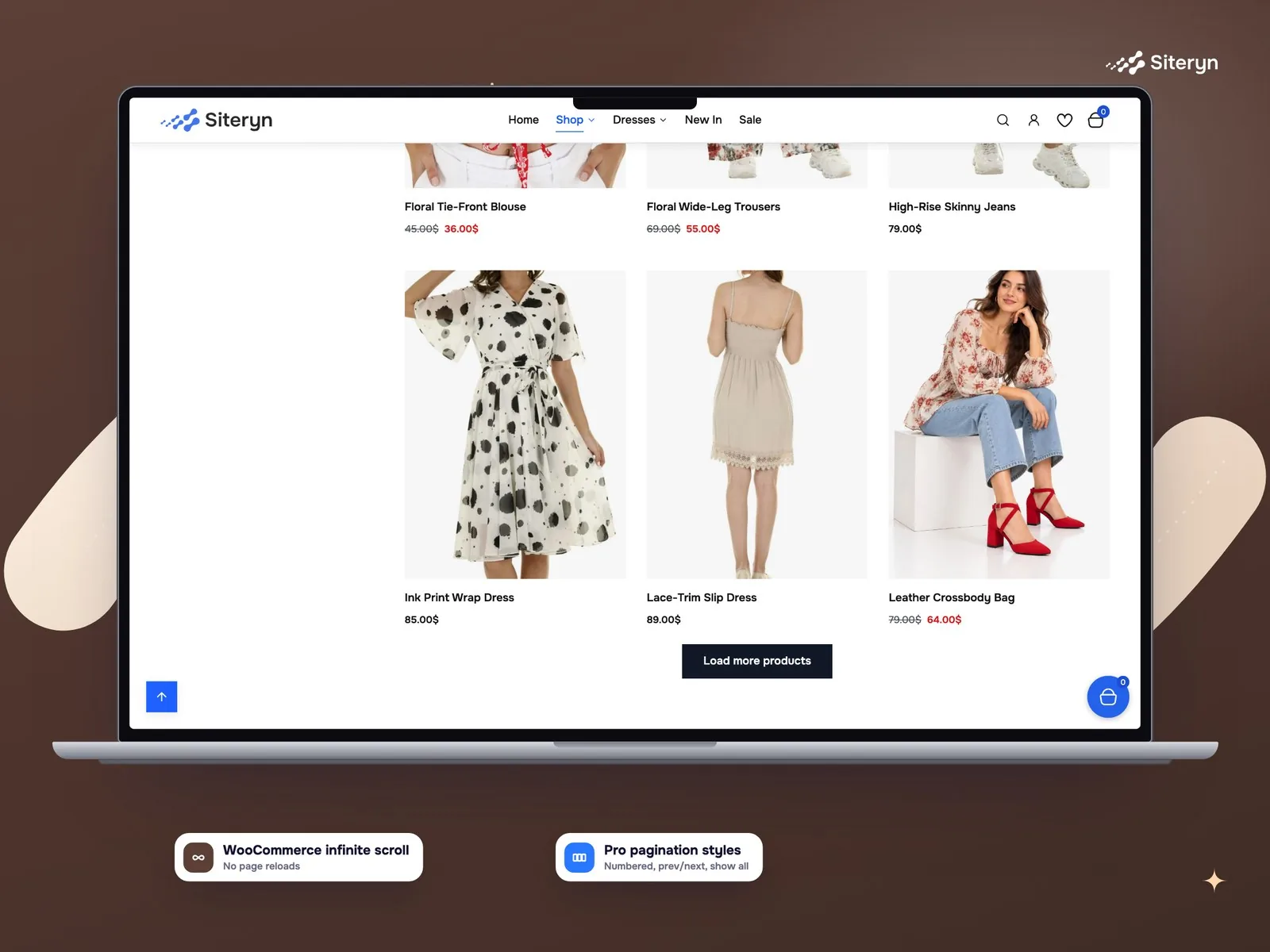
Siteryn Infinite Scroll for WooCommerce
- Infinite Product Loading
- Load More Button
- Loading & End Messages