Siteryn
My Account Customizer
for WooCommerce
A flexible WooCommerce My Account customizer that lets you restyle the account page, rearrange menu items, and add custom tabs, all without writing code.
- Modern Layouts
- Custom Tabs
- Easy Branding
- Secure Checkout Encrypted & protected
- License-Protected Downloads Only for licensed users
- Custom Layouts Modern Dashboard
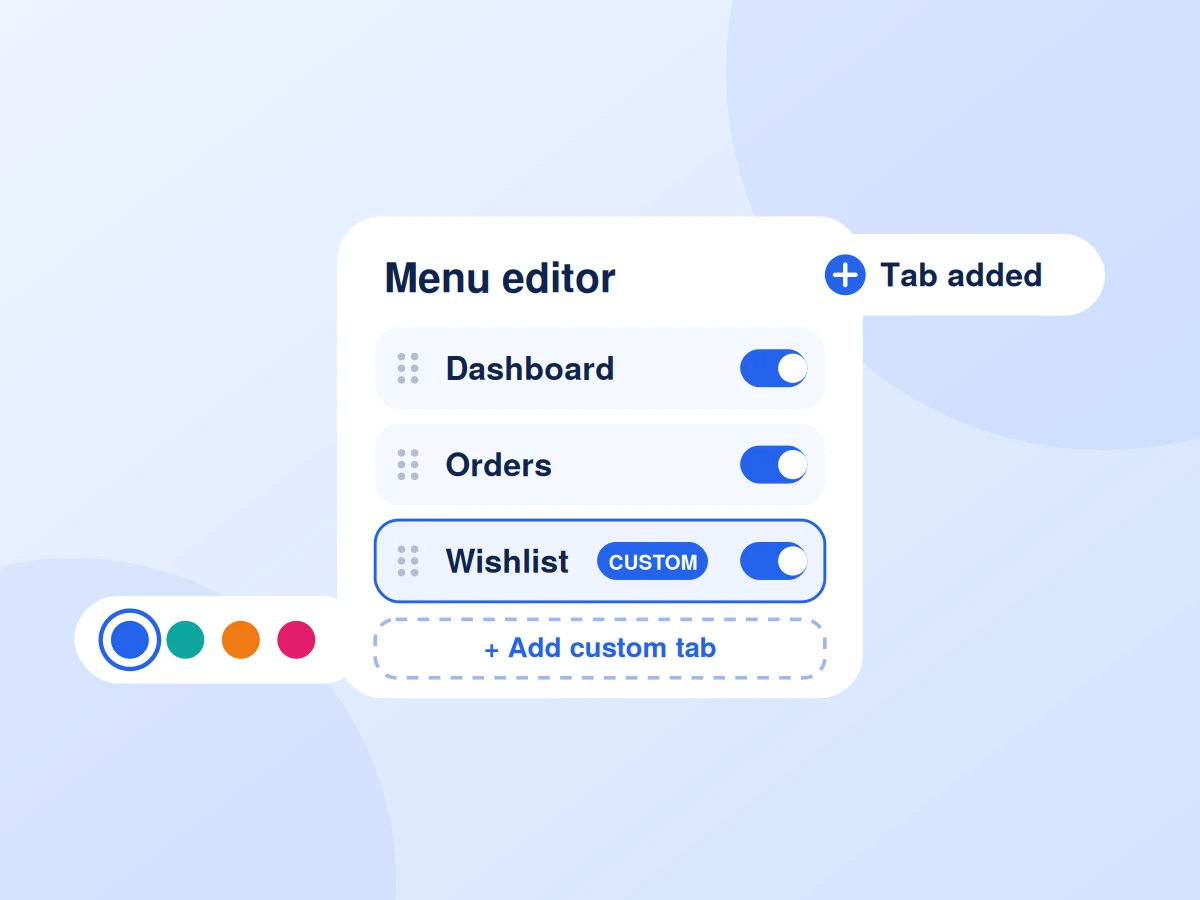
- Menu Editor Reorder & Rename
- Custom Tabs Add Your Content
- Brand Styling Full Control
- Mobile Friendly Works on all devices
- Translation Ready WPML Compatible
Customize the WooCommerce My Account page your way
Turn the default WooCommerce account page into a branded customer dashboard. Rearrange and rename menu items, add custom tabs, choose a modern layout, and control colors and styles from one simple settings screen. Customers get a cleaner, easier-to-use account area, and you get a store that feels more professional.
Designed to Convert
Get More Out of Siteryn My Account Customizer for WooCommerce
Give your customers a better account experience. Customize the WooCommerce My Account page with a modern layout, reorder or rename menu items, hide tabs you don't need, add custom endpoints, and match everything to your brand. The result is a cleaner dashboard that helps customers manage orders, addresses, and account details with ease.
Key benefits include:
- Modern, fully customizable My Account layouts
- Drag-and-drop menu ordering with custom icons and labels
- Add custom tabs with your own content or shortcodes
- Branded colors, typography, and spacing controls
- Responsive design that works on every device
Powerful Features
Everything Siteryn My Account Customizer for WooCommerce brings to your store.
-
Custom Account Layouts
Choose from modern, clean dashboard styles
-
Drag & Drop Menu
Reorder, rename, or hide account menu items
-
Custom Endpoints
Add new tabs with your own content or shortcodes
-
Custom Icons
Assign icons to every menu item
-
Mobile Optimized
Looks great on all devices
-
Works with any themes
Compatible with all WooCommerce themes
-
Lightweight & Fast
Optimized for performance
-
Easy to use
No coding required.
Choose Your Plan
Simple Pricing. More Possibilities.
Start with the free version or unlock powerful features with Pro.
| Compare features What each version includes | Free Perfect for getting started Download Free | Most Popular Pro Unlock more power Get Pro Now |
|---|---|---|
| Reorder menu items | Included | Included |
| Rename menu labels | Included | Included |
| Hide default tabs | Included | Included |
| Color & style customization | Included | Included |
| Custom dashboard welcome text | Included | Included |
| Menu icons | Included | Included |
| Mobile optimized | Included | Included |
| Works with all themes | Not included | Included |
| Custom tabs & endpoints | Not included | Included |
| Multiple pre-built layouts | Not included | Included |
| Role-based menu visibility | Not included | Included |
| Advanced styling options | Not included | Included |
Product Details
Technical information and compatibility details at a glance
- Version
- v1.0.0
- Last Updated
- October 12, 2026
- Requires PHP
- 8.0
- Requires WordPress
- 6.4
- Requires WooCommerce
- 8.0
- License
- Lifetime
- Support
- Priority Support
Need Help?
Our support team is here for you.
- Pre-Sales Questions
- Technical Support
- Customization Help
- Feature Request
We're here to help you get the most out of Siteryn
FAQ
Got Questions?
Find answers to common questions about Siteryn My Account Customizer for WooCommerce.

It is a WooCommerce plugin that lets you restyle and reorganize the My Account page without coding.
Yes. In Pro, you can add custom tabs with your own content or shortcodes.
Yes. You can drag and drop to reorder, rename labels, and hide tabs you don't need.
Yes. The account layouts are fully responsive and work well on mobile, tablet, and desktop.
It is built to work with WooCommerce themes, and the Pro version adds full compatibility with all themes.
-
Best Selling Pro
Siteryn Mini Cart & Side Cart for WooCommerce
Works with WooCommerce Elementor- Mini Cart & Side Cart
- Customizable Design
- AJAX Add to Cart
-
Best Selling Pro
Siteryn Request a Quote for WooCommerce
Works with WooCommerce Elementor- Quote Button
- Quote List Page
- Custom Form Fields
-
New Pro
Siteryn Ajax Product Search & Filter for WooCommerce
Works with WooCommerce- Ajax Product Search
- Powerful Filters
- No Page Reloads
-
New Pro
Siteryn Wishlist for WooCommerce
Works with WooCommerce- Add to Wishlist Button
- Dedicated Wishlist Page
- Guest & User Wishlists